
1 / 3
游戏简介
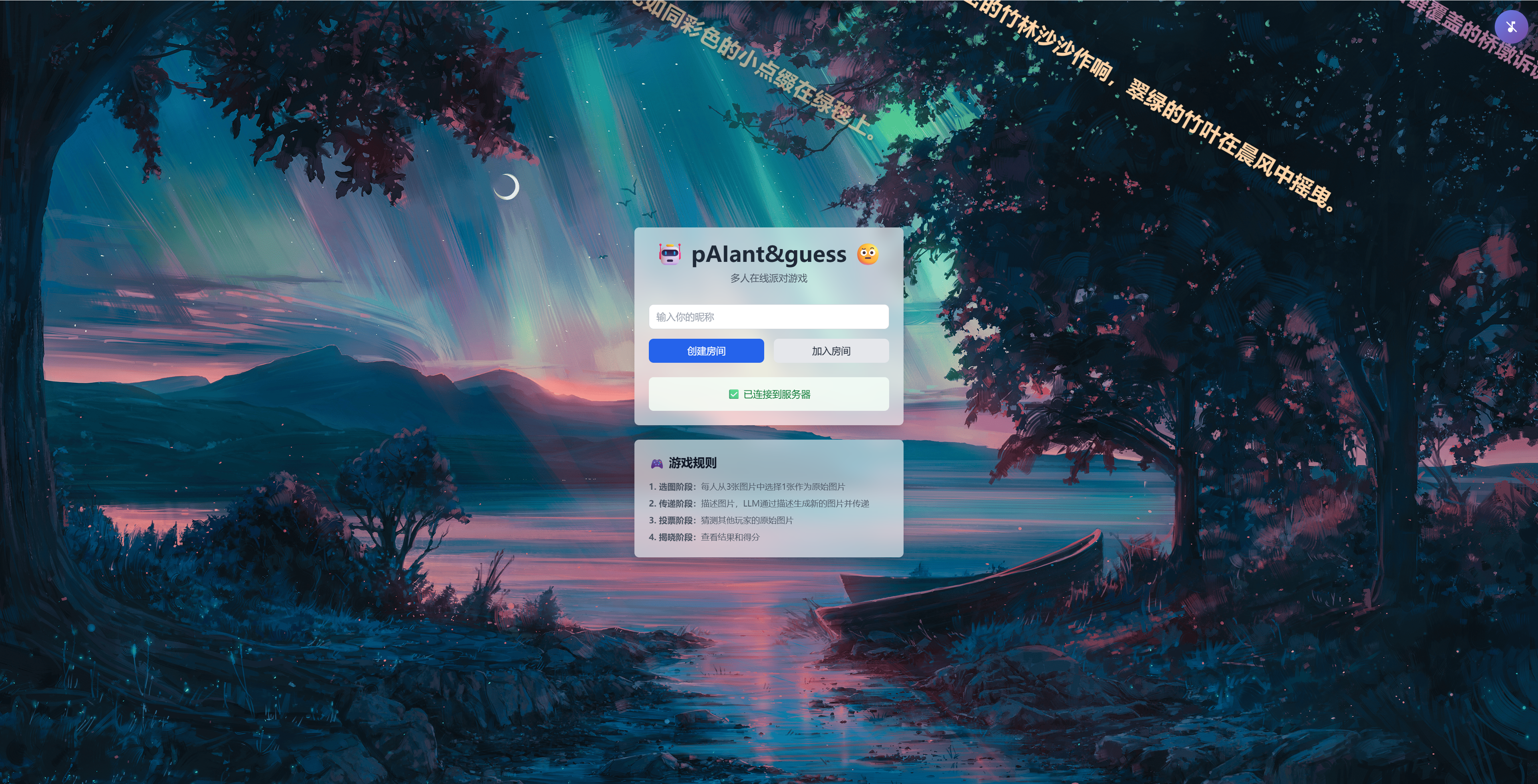
🤖 pAIant&guess 🤨
一个基于AI图片生成的多人在线派对游戏,玩家通过文字描述传递AI生成的图片,最后投票猜测原始图片。
⚠️ 重要:首次使用需要配置
在启动游戏前,请先配置环境变量:
编辑 server\.env 文件,配置以下参数:
AI_MODE=real
AI_DEVELOPER_TOKEN=你的开发者令牌
AI_GAME_ID=你的游戏ID
🎮 快速启动
方法1:一键启动(推荐)
Windows用户:
双击运行 start-dev.bat
Linux/Mac用户:
chmod +x start-dev.sh
./start-dev.sh
方法2:手动启动
1. 安装依赖
# 服务器依赖
cd server
npm install
# 客户端依赖
cd ../client
npm install
2. 配置环境
cd server
copy env.example .env
# 编辑 .env 文件,设置 AI_MODE=mock
3. 启动游戏
# 终端1:启动服务器
cd server
npm run dev
# 终端2:启动客户端
cd client
npm run dev
开始游戏
🏠 局域网联机
让同一WiFi下的其他设备(手机、平板等)连接游戏:
1. 获取主机IP地址
Windows系统:
ipconfig
# 找到 "无线局域网适配器 WLAN" 下的 IPv4 地址
# 例如:192.168.1.100
Mac/Linux系统:
ifconfig
# 或
ip addr show
# 找到 WiFi 网卡的 IP 地址
2. 设备访问
打开浏览器访问:http://localhost:3000
多人游戏:其他设备访问 http://[你的IP]:3000
例如:http://192.168.1.100:3000
3. 防火墙设置
Windows:
# 允许 3000 端口(客户端)
netsh advfirewall firewall add rule name="pAIant&guess Client" dir=in action=allow protocol=TCP localport=3000
# 允许 3001 端口(服务器)
netsh advfirewall firewall add rule name="pAIant&guess Server" dir=in action=allow protocol=TCP localport=3001
或者临时关闭防火墙测试:
- 设置 → 更新和安全 → Windows 安全中心 → 防火墙和网络保护
Mac:
- 系统偏好设置 → 安全性与隐私 → 防火墙 → 防火墙选项
🌐 使用Ngrok公网联机
让不在同一网络的朋友也能一起玩!
前提条件
- 已安装Ngrok
- Ngrok authtoken已配置(查看Ngrok文档)
启动步骤
1. 启动游戏服务器
确保游戏服务器正在运行:
# 在项目根目录运行
start-dev.bat # Windows
# 或
./start-dev.sh # Linux/Mac
服务器会在3001端口启动,客户端在3000端口启动。
2. 启动Ngrok
方法1:使用项目提供的脚本(推荐)
# 双击运行项目根目录下的文件
ngrok-start.bat
方法2:手动启动
打开新的命令行窗口:
ngrok http 3000
注意:需要暴露3000端口(客户端),因为Vite会自动代理socket.io和API请求到3001。
3. 获取公网地址
Ngrok启动后,会看到类似界面:
ngrok
Session Status online
Account 你的账户名
Version 3.x.x
Region United States (us)
Forwarding https://xxxx-xx-xx-xx-xx.ngrok-free.app -> http://localhost:3000
重要信息:
Forwarding那一行的https://xxxx-xx-xx-xx-xx.ngrok-free.app就是你的公网地址- 把这个地址分享给其他玩家即可
4. 分享给玩家
玩家只需在浏览器中打开:
https://xxxx-xx-xx-xx-xx.ngrok-free.app
注意事项
保持运行
- Ngrok窗口必须保持打开
- 如果关闭Ngrok窗口,公网访问会立即断开
- 服务器也必须保持运行
查看连接状态
访问 http://127.0.0.1:4040 可以看到Ngrok的Web界面,查看:
- 实时请求
- 连接统计
- 错误日志
重要提示
- PowerShell 用户:如果遇到
&&语法错误,请使用 CMD 或 Git Bash - 生图失败:关闭VPN成功率更高,生图失败可重新点击生图按钮进行生图。若未显示生图失败,建议耐心等待图片生成(10s-20s)
- 公网联机:公网联机传输速度较慢,背景无法一次显示出来,且可能出现奇怪的bug
- 房间问题:如果遇到任何无法开始游戏的问题(“房间不存在”、出现未准备的幽灵玩家),建议新建一个房间
PowerShell 用户:如果遇到
&&语法错误,请使用 CMD 或 Git Bash